Loading...
Blog-Image-002
Blog-Image-res
Sep 17 Posted by Anand Gupta

Tech Comparison: PostgreSQL vs MySQL vs MongoDB


Choosing the right database is a strategic choice for website developers. But this often confuses web developers among the top options available: MongoDB, MySQL, and PostgreSQL.  If you are working on an analytics dashboard, a scalable e-commerce site, or a mobile app with millions of users, even a wrong choice can ruin all your performance. 


PostgreSQL is a feature rich solution for complex queries and data integrity. MySQL is the workhouse behind key players like WordPress and Facebook. Whereas, MongoDB is a document based system that moves quickly.  Each option is best to their capabilities, delivering the best to your business requirements.


Which one to choose? Keep reading as here we cover a complete guide for website developers and business owners to make informed choices. 

What is MySQL?


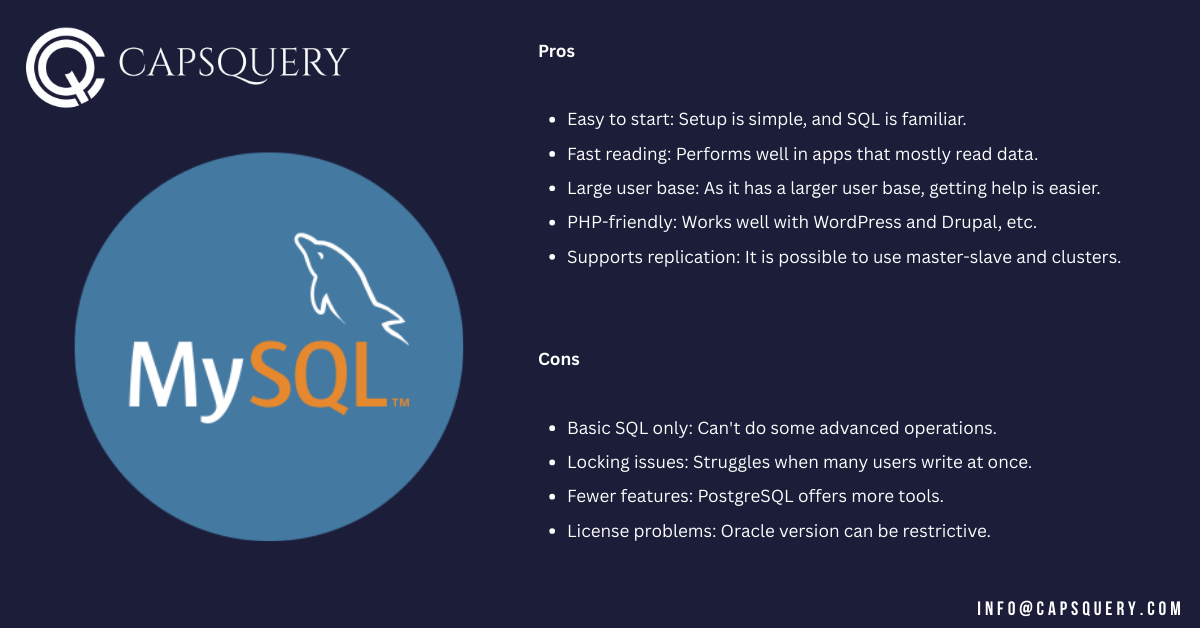
MySQL is a widely used open-source data management system that utilizes SQL and tables. Oracle supports SQL server, which makes it well-suited for fast data retrieval and works effectively with many web tools.
 

Website Developer


Pros

  • Easy to start: Setup is simple, and SQL is familiar.
  • Fast reading: Performs well in apps that mostly read data.
  • Large user base: As it has a larger user base, getting help is easier.
  • PHP-friendly: Works well with WordPress and Drupal, etc.
  • Supports replication: It is possible to use master-slave and clusters.


Cons

  • Basic SQL only: Can’t do some advanced operations.
  • Locking issues: Struggles when many users write at once.
  • Fewer features: PostgreSQL offers more tools.
  • License problems: Oracle version can be restrictive.


Key Examples

  • Used by WordPress, Magento, and Joomla.
  • Part of the LAMP stack (Linux, Apache, MySQL, PHP/Python).
  • Common in small and medium apps.


What is PostgreSQL?


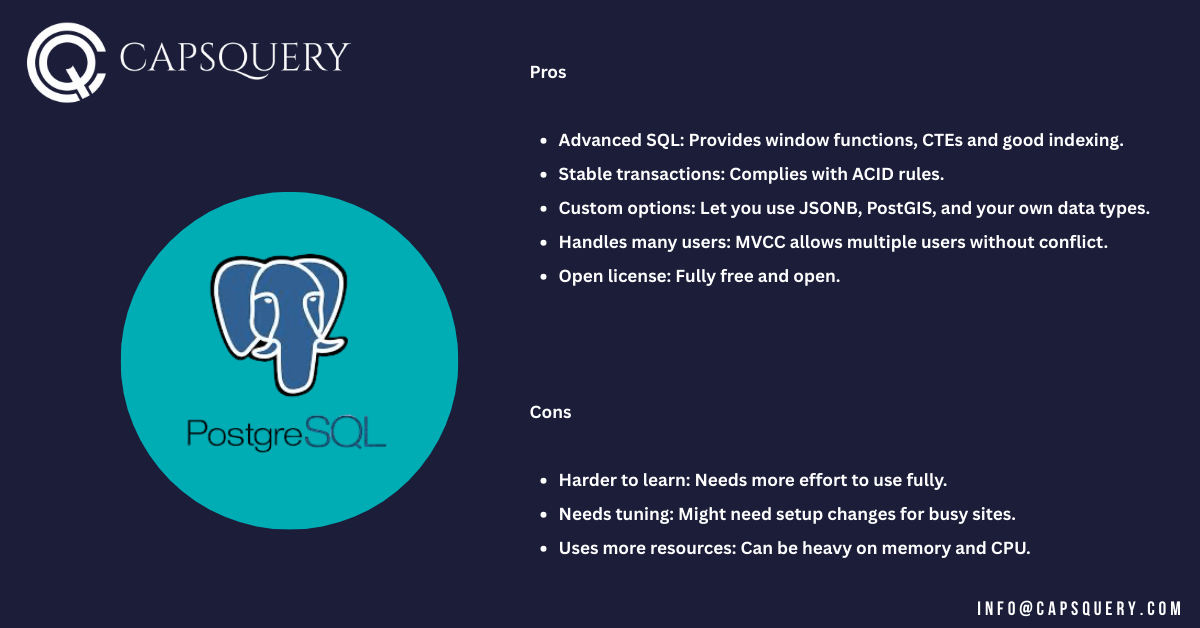
PostgreSQL (or Postgres) is an open and powerful SQL database. However, it features PSQL, the command line tool to interact with PostgreSQL databases. It complies with standards, provides a wide collection of advanced tools, and can be used on a long-term basis.


website development company


Pros

  • Advanced SQL: Provides window functions, CTEs and good indexing.
  • Stable transactions: Complies with ACID rules.
  • Custom options: Let you use JSONB, PostGIS, and your own data types.
  • Handles many users: MVCC allows multiple users without conflict.
  • Open license: Fully free and open.


Cons

  • Harder to learn: Needs more effort to use fully.
  • Needs tuning: Might need setup changes for busy sites.
  • Uses more resources: Can be heavy on memory and CPU.


Key Examples

  • Used by Apple, Instagram, Reddit, and mapping systems.
  • Great for reports and complex workflows.
  • Chosen by teams needing custom data or location features.


What is MongoDB?


MongoDB is a leading NoSQL tool and a document-focused database system. It stores data in documents that look like JSON. You don’t need a fixed schema, and it handles highly scalable solutions.

NoSQL databases, such as MongoDB, don’t use the traditional relational database model. They’re built specifically for unstructured or semi-structured data, such as logs, social media feeds, or rapidly changing datasets. 

In many cases, developers switch from traditional databases, such as MySQL and PostgreSQL, to NoSQL options like MongoDB and Cassandra for this reason.

Moreover, JSON data isn’t always unstructured. The consistency of the keys and nested structures in your JSON can influence the structure of your JSON, too.
web development service


Pros

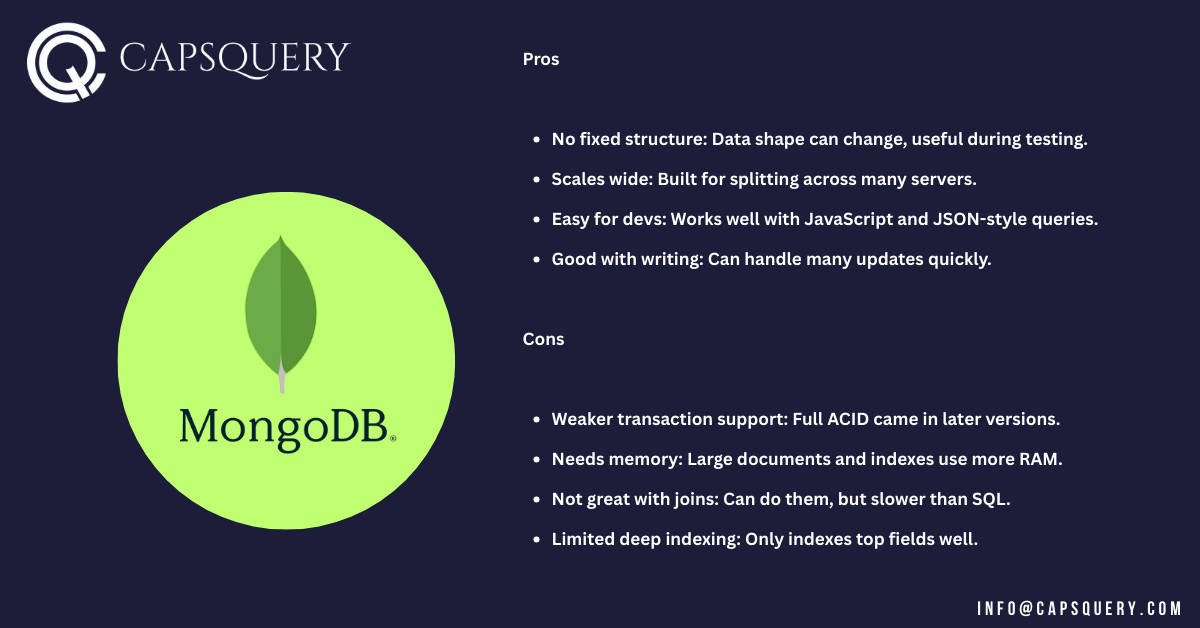
  • No fixed structure: Data shape can change, useful during testing.
  • Scales wide: Built for splitting across many servers.
  • Easy for devs: Works well with JavaScript and JSON-style queries.
  • Good with writing: Can handle many updates quickly.


Cons

  • Weaker transaction support: Full ACID came in later versions.
  • Needs memory: Large documents and indexes use more RAM.
  • Not great with joins: Can do them, but slower than SQL.
  • Limited deep indexing: Only indexes top fields well.


Key Examples

  • Used in real-time apps, IoT systems, and data tracking.
  • Part of the MEAN/MERN stacks.
  • Chosen by eBay, Shutterfly, and MetLife.


Key Summary: PostgreSQL vs MySQL vs MongoDB


Feature MySQL PostgreSQL MongoDB
Data model Relational tables Relational tables + JSONB Document-store (JSON-like format)
Schema Fixed schema Fixed schema + flexible Schema-less
SQL Support Basic SQL Full SQL, window functions, CTE No SQL; JSON queries
Transactions & ACID Yes (InnoDB only) Excellent (MVCC-based) Basic multi-document support (v4+)
Scaling Vertical + some clustering Vertical + extensions Horizontal-sharding built-in
Use case focus Blogs, small web apps Analytics, geospatial, enterprise Web apps in rapid iteration, IoT
Learning curve Low Medium-high Low-medium
Performance Fast reads Balanced reads/writes High writes, flexible reads


This table gives a snapshot to website developers and business owners to make ideal choices. Still confused about which one to choose? So all the website developers and creative heads, keep reading to get a step-by-step comparison.

PostgreSQL vs MySQL vs MongoDB: Which is the Ideal Database?


The perfect database depends on the data you are working with, the speed at which your application grows, and the skill levels of your employees. 


Let us break down six factors where these systems have differences so that developers can make a solid choice.

1. Data Structure and Flexibility

The data structure tells us how well a database handles changes and connections.


  • PostgreSQL: Uses fixed table format but supports extra types like JSONB, arrays, and enums.
  • MySQL: Uses a simple table format. Best when data is clean and stable.
  • MongoDB: No set structure. Stores data as documents. Easy to adjust.


MongoDB: Best if data changes a lot or isn’t structured

PostgreSQL: Best for business logic with strict rules

MySQL: Best when data has a clear structure


2. Performance and Speed

Speed matters, especially when many users access data at the same time.


  • PostgreSQL: Balanced for both reading and writing. Handles many users well.
  • MySQL: Super quick when mostly reading. Ideal for blogs and listings.
  • MongoDB: Great with writing and fast searches. Good for apps with lots of data input.


PostgreSQL: Best when queries are advanced

MySQL: Best for websites focused on showing data

MongoDB: Best for quick updates and large APIs


3. Scalability and Deployment

When apps grow, a good database should handle more users and data without slowing down.


  • PostgreSQL: Grows by upgrading the server. Can also split data with tools such as Citus.
  • MySQL: Handles server upgrades well. Can spread data with extra setup.
  • MongoDB: Built to grow by adding servers. Easy to scale out.


MongoDB: Best for large systems that grow fast

PostgreSQL: Best for growing apps with table-based data

MySQL: Best for simple projects that scale in one place


4. Query Capability and Complexity

Different apps need different levels of detail in their searches and data work.


  • PostgreSQL: Powerful SQL tools. Does complex tasks with ease.
  • MySQL: Covers basics well. Not made for deep analysis.
  • MongoDB: Uses a different query method. Can filter and group, but is less suited for joins.


PostgreSQL: Best when logic is complex

MySQL: Best for basic use cases

MongoDB: Best for flexible reads in NoSQL style


5. Use Case Suitability

The ideal system should be selected with reference to what you want to build.


  • PostgreSQL: An excellent choice for business systems, maps, reports, and finance applications.
  • MySQL: Best for blogs, shops, and websites that show content.
  • MongoDB: Fits social apps, device data, and chat tools.


PostgreSQL: Best for high-level business platforms

MySQL: Best for websites with fixed content

MongoDB: Best for fast-changing, complex platforms

6. Learning Curve and Developer Experience

The ease of learning a system determines the speed at which your team can operate it.


  • PostgreSQL: Takes time to learn. Works well for trained teams.
  • MySQL: Very beginner-friendly. Many tutorials are available.
  • MongoDB: Simple if you use JavaScript. JSON helps understanding.


PostgreSQL: Best for skilled developers

MySQL: Best for new devs and basic setups

MongoDB: Best if using Node.js or similar tools

Conclusion


The choice between MySQL, PostgreSQL, and MongoDB depends on your specific needs. Here is a brief guide for professional website developers providing services such as web development or app development:


  • Choose MySQL when speed and easy setup are essential.
  • Choose PostgreSQL when your app requires complex data control.
  • Choose MongoDB when your data is in unstructured form and requires rapid access.


There is no such thing as one database. Most web app development companies use more than one database. Select the best depending on each individual activity. By choosing a website development company on your side, you can get top class web development service for your business.


FAQ

MySQL and PostgreSQL store data in tables. PostgreSQL has more features. MongoDB stores data in flexible documents. If you are website developers, choose based on structure, performance, or flexibility.
MongoDB stores flexible documents and handles scaling well. PostgreSQL follows strict rules and supports deep SQL tasks. Choose based on how your data behaves.
It depends. PostgreSQL works better when you need strong data safety and complex reports. MongoDB is more effective in cases where your data is frequently updated and should scale quickly.
MongoDB suits the apps using unstructured data better. Fixed content and websites work better with MySQL. Choose the one that suits your data and your team.
It depends on the task. MySQL is fast for simple reads. PostgreSQL excels in complex tasks and can handle many users simultaneously.
In-memory tools like Redis are faster for quick tasks. But MongoDB is still good for large-scale document handling.
There is no single winner. MongoDB is best for documents. Cassandra is good for wide-column. Neo4j is made for graph data. Choose based on your data type.
You can, but changes may apply. MongoDB doesn't use tables and joins. If your app depends on SQL and a strict structure, stick with MySQL or get your hands on PostgreSQL.

Leave a Reply

Your email address will not be published. Required fields are marked *

Contact us for a quick consultancy

Website Development | Mobile App Development | Application Development

Contact Us

I'm a software consultant. I've 7+ years of industry experience. I'd love to connect with you and brainstorm your custom software needs. It's my responsibility to find you the best solution.

ANAND GUPTA

Drop your details and we'll get in touch with you within 12 hours.

Reach us for

  • Website Development
  • Mobile Application Development
  • Machine Learning
  • Custom Software Development
  • Application Development

Talk to us